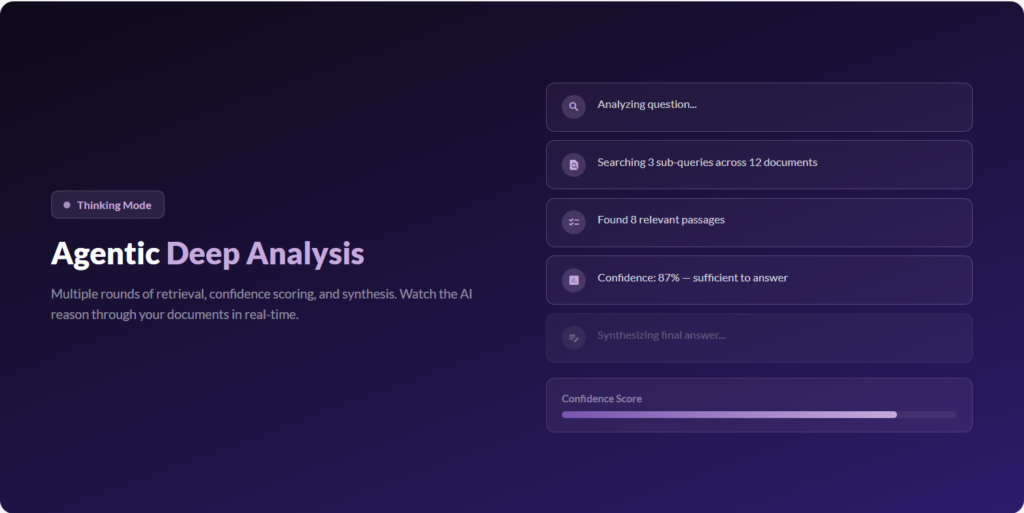
Thinking Mode is now a true research agent. Instead of one search and one answer, it investigates your library step by step — searching, refining its queries, checking exact matches, even reading entire documents — until it has the evidence to answer well. And you watch it work in real time. Live reasoning panel — […]
Your library now plugs straight into the AI assistants you already use. Knowbase speaks the Model Context Protocol (MCP), so Claude, ChatGPT, Perplexity, and any other MCP-compatible assistant can search and read your documents — and answer with citations back to your sources — without you ever leaving that chat. One-click, secure connect — paste […]
Bring your team’s shared knowledge into Knowbase without the copy-paste dance. Connect Microsoft 365 once, then pick entire SharePoint document libraries, OneDrive folders, or individual files — Knowbase enumerates the contents, shows you a review modal before anything is imported, and walks each file through the standard processing pipeline with live per-file progress and the […]
Deploy your assistant as a fully branded, standalone help center — not just a widget. Point visitors at your Help Page URL and they land on a custom portal with your logo, favicon, hero image, sidebar navigation, footer cards, and even a glowing input effect. Every visual detail can inherit from your Chat Widget or […]
A powerful new extensible framework that lets your AI assistants take real actions during conversations — not just answer questions. How it works: Each enabled action becomes a tool the AI can invoke when the conversation calls for it. No extra prompts, no delays — the AI decides naturally when to trigger an action. […]
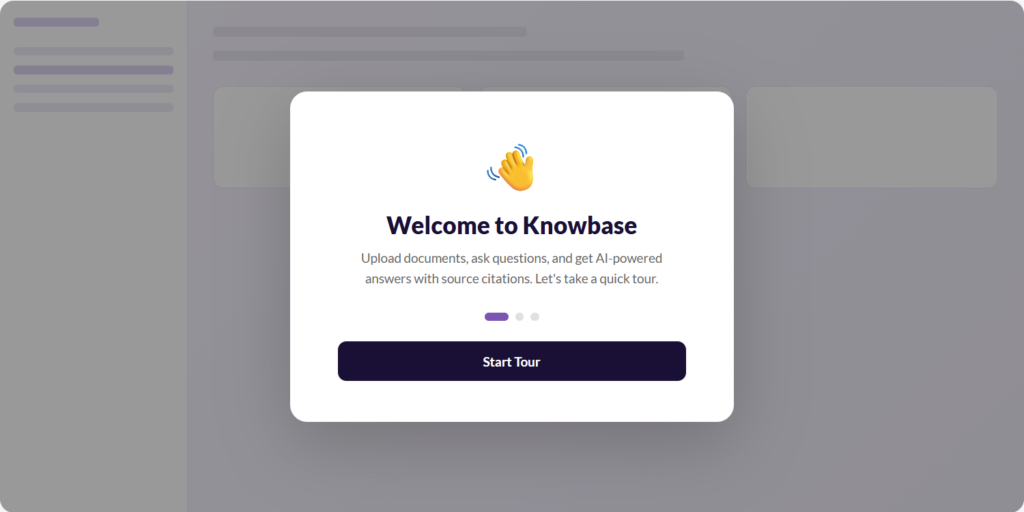
New users are now greeted with a welcome modal and an interactive step-by-step tour that walks through uploading files, chatting, and sharing. The embeddable chat widget now supports server-driven configuration — change appearance, colors, and behavior instantly without re-deploying your embed code.
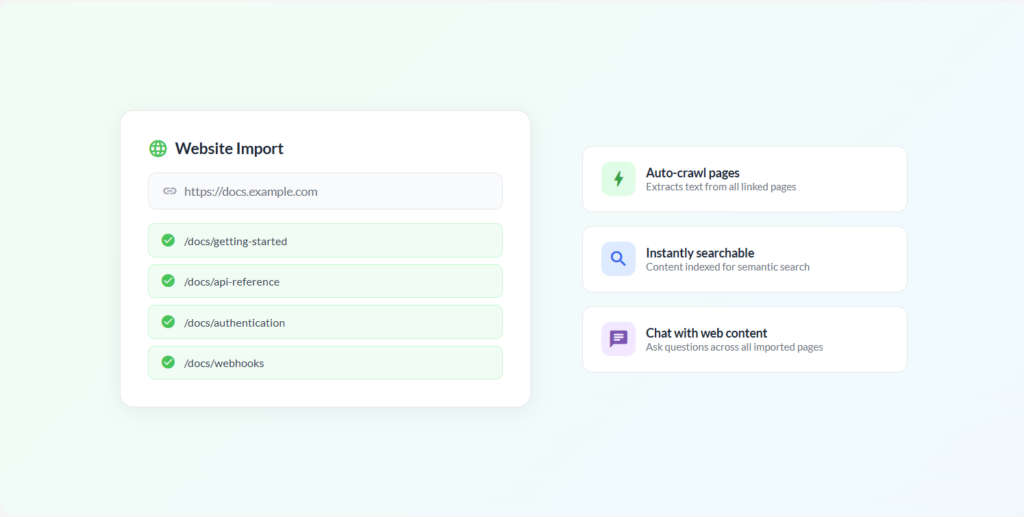
Import content from any website directly into your knowledge base. Provide a URL and Knowbase crawls the pages, extracts the text, and makes it searchable in your library and chat conversations. Pages that can’t be extracted are gracefully skipped.
Thinking Mode has been rebuilt with an agentic architecture. The AI now autonomously searches your documents multiple times, assesses its confidence, and synthesizes a comprehensive answer. A Knowledge Mode badge shows when deep analysis is active, and sources are filtered to only those actually cited in the response.
The library has been redesigned with document thumbnails, a compact card layout, and inline file renaming. In Chat-All, clicking a source citation now opens an inline preview panel — view PDF pages, transcript segments, or document excerpts without leaving the conversation. We’ve also added PPTX OCR processing and table-dense PDF detection.
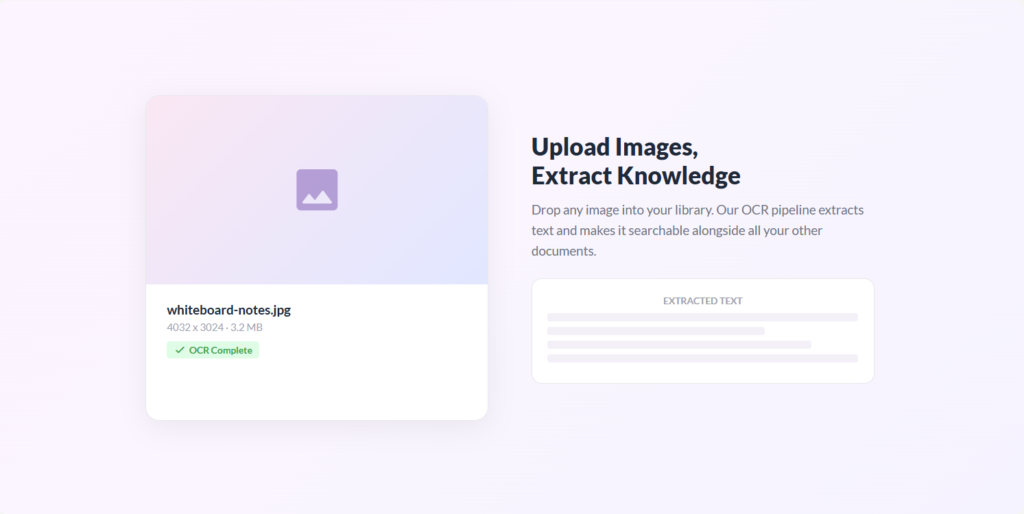
Upload images (PNG, JPG, and more) directly to Knowbase. Text is extracted using our OCR pipeline and made searchable alongside your other documents. Pro and Team plans get fast OCR processing powered by Mistral.
Audio and video transcriptions now include automatic speaker identification. Rename speakers, filter chat queries by speaker, and export subtitles in SRT or VTT format. Speaker labels are preserved in citations so you always know who said what.
Introducing new pricing tiers — Free, Starter, Pro, and Team — with a free Pro trial for new users. Each plan has clear limits for files, queries, and features. The app now includes feature gating so you always know what’s available on your plan, plus a full-width chat layout for a more focused experience.
Knowbase now supports 10+ additional audio and video formats including MOV, WebM, WAV, M4A, AAC, OGG, FLAC, AVI, and MKV. You can also record voice notes directly in the upload view — record, transcribe, and chat with them instantly.
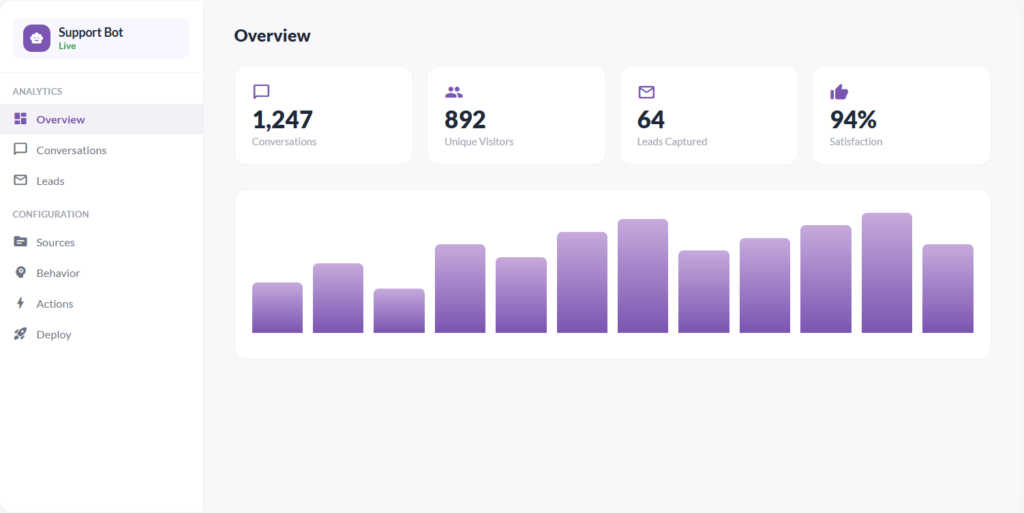
Embed an AI chatbot on your website powered by your Knowbase documents. The widget supports bubble and full-panel modes, customizable appearance, and visitor feedback collection. Copy the embed code and paste it into your site — it just works.
Connect your Dropbox account to import files into your library and search Dropbox content directly from chat. Files from Dropbox are indexed and searchable just like any other source in your knowledge base.
Connect your Notion workspace and search pages directly from Chat-All. Knowbase uses intelligent keyword extraction and title reranking to find the most relevant pages, with Redis caching for instant follow-up queries.
Talk to your documents with voice input. Press Cmd+K (or tap the mic button on mobile) to start dictating your question. Recording auto-stops after 3 seconds of silence and sends your message automatically.
Connect your Google Drive to import files into your library using Google Picker, or toggle Drive Search in Chat-All to search your Drive files in real-time alongside your uploaded documents.
No more waiting for files to finish processing. Drop a file into the chat and start asking questions immediately — Knowbase extracts text on the fly and uses it as inline context. When processing completes, the file seamlessly transitions to full vector search.
The entire application has been redesigned with a modern interface: New navigation bar with quick-access pills Redesigned chat with welcome screen and conversation sidebar Restyled message bubbles and inline citations New library with file detail views and nest management Smooth animations throughout the app
For complex questions, toggle Thinking Mode and watch the AI reason through your documents. It performs multiple rounds of retrieval, evaluates its confidence, and reflects before generating a final answer. Watch the thinking steps in real-time as it analyzes, searches, and synthesizes.
Chat responses now stream in real-time with inline source citations. Behind the scenes, we’ve rebuilt our search engine — combining semantic vector search with keyword matching and Cohere reranking for dramatically better retrieval. Document processing has been upgraded with enhanced PDF extraction and multilingual support.